Stop watching.
Start running twenty.
In the AI era, you're watching one agent work. That's the bottleneck. Agent PMO turns you into an engineering director — one person, twenty projects, all moving forward.
git clone https://github.com/Nimblesite/AgentPMOWorkflow.git && cd AgentPMOWorkflow && make setup
macOS, Linux & Windows · make setup auto-detects your OS · .NET & gh CLI auto-installed · full guide →
$ agent-pmo dashboard ┌──────────────────────────────────────────┐ │ PMO Dashboard · 4 active │ ├──────────────────────────────────────────┤ │ ✓ app-backend PR #47 CI ● green │ │ ⚠ data-pipeline 3 fail CI ● running │ │ ✓ mobile-client review CI ● green │ │ ↻ api-gateway linting CI ● pending │ └──────────────────────────────────────────┘ ↓ dispatch ↓ dispatch ↓ dispatch [feature dev] [CI fix] [coverage] $ ▋
"Most of the user's day is watching the agent write code, push PRs, and wait for CI — only to repeat when it fails. The agent is productive. You're serialized."
One project. One agent. One task at a time — with dead time between every step. That's the default experience of AI-assisted development.
Agent PMO is the solution. It's a Project Management Office where the staff are AI agents. The job isn't making one agent faster — it's making you capable of directing multiple parallel projects with minimal cognitive load.
While one agent fights through CI, you've dispatched two others. You're not waiting. You're deciding what to review next.
Five steps. Infinite scale.
The PMO cycle runs continuously across every project simultaneously.
Scan
Dashboard scans all repos every 3 minutes. CI status, open PRs, uncommitted changes — everything at a glance.
Prioritize
You decide where to direct attention. Dashboard tells you — you choose. Minimal cognitive load, maximum leverage.
Dispatch
Drop agents into standardized repos. Same build targets, same CI, same lint commands. No setup. No babysitting.
Monitor
TMC orchestrates agent coordination. Agents lock files, register intent, avoid conflicts. You watch the dashboard.
Review & Ship
Code arrives production-ready. Lint, tests, coverage — all passed. You review intent, not whether it works.
Everything you need to run a team of agents
Two components. One system. Infinitely scalable.
Real-Time PMO Dashboard
F# script scans every repo under ~/Documents/Code/. CI status, open PRs, uncommitted changes, push status — refreshed every 3 minutes via launchd.
Repo Standards Enforcement
Portfolio-wide templates enforced by a Claude skill. Same build targets, same CI, same lint commands — every project, zero variation.
Automated Quality Gates
Lint. Type check. Format. Unit tests. Integration tests. Coverage thresholds — monotonically increasing. No soft-fail mode. Code ships clean.
Parallel Agents, One Tree
Even monorepos run parallel agents — in a single working tree, no worktrees. TMC's advisory file locks let many agents edit the same repo at once without stepping on each other.
TMC — The Conductor
Too Many Cooks is the MCP server every agent connects to. Advisory file locks, broadcast messages, shared plans — pushed live so agents register, lock, coordinate, release.
Your Level of Involvement
Review every commit. Or every PR. Or just check the dashboard. You operate at the altitude that suits you — all options produce shipping code.
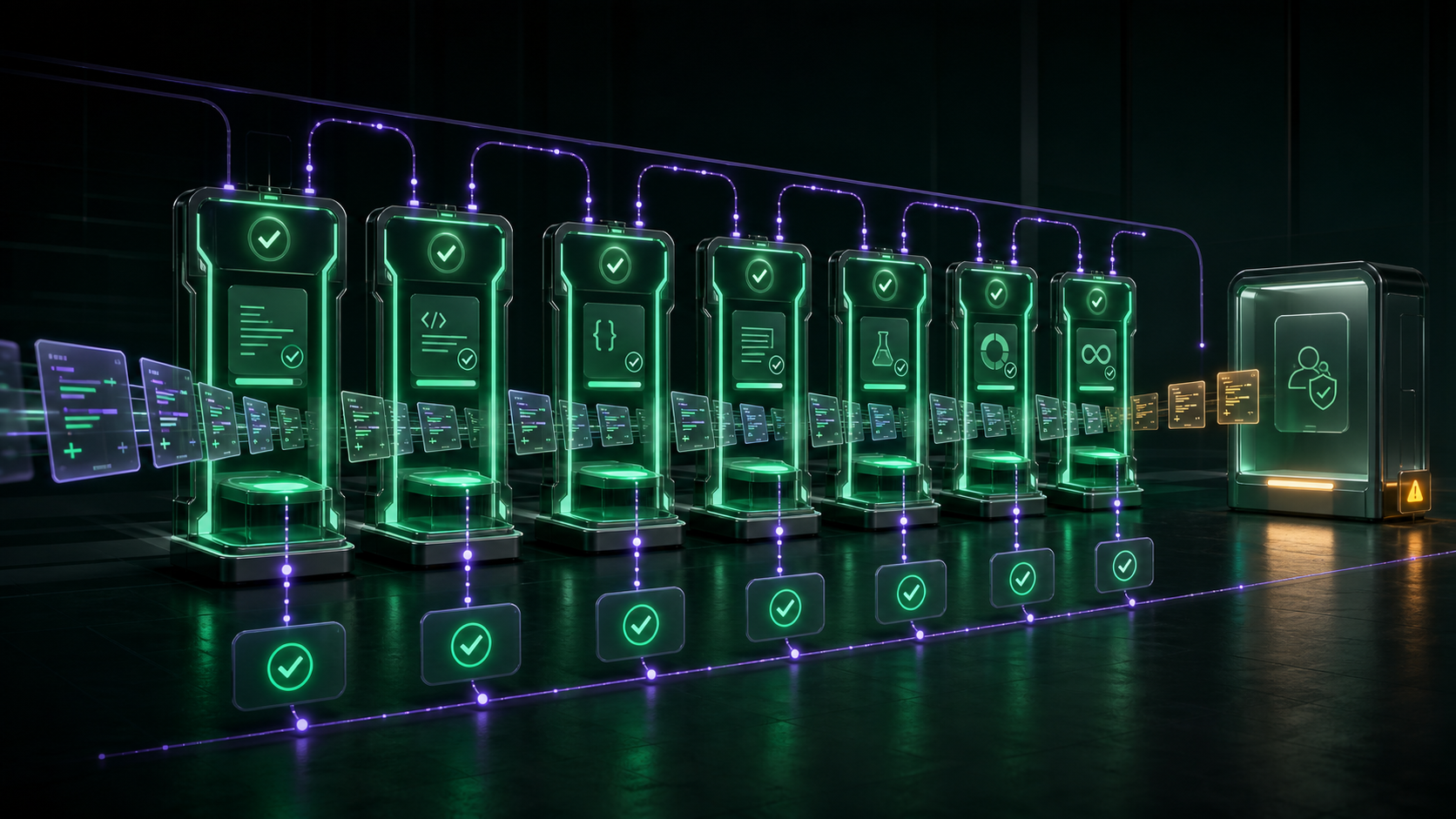
Agents don't hand you rough drafts.
Lint, type check, format, tests, coverage — all enforced by CI. No soft-fail mode. By the time code reaches you, every automated check has passed. You're the final gate: reviewing intent and architecture, not whether it compiles.
See all quality gates →Choose your altitude.
All options produce shipping code. You decide how close to stay.
Review every commit
Diffs are clean. Tests passed. Every commit is a complete, verified unit of work.
Review only PRs
Every PR is already production-ready. Your review is about the what, not the whether it works.
Set direction. Check dashboard.
You're still shipping — just operating at a different altitude. The dashboard tells you what's happening.
Every line traces back
to a requirement.
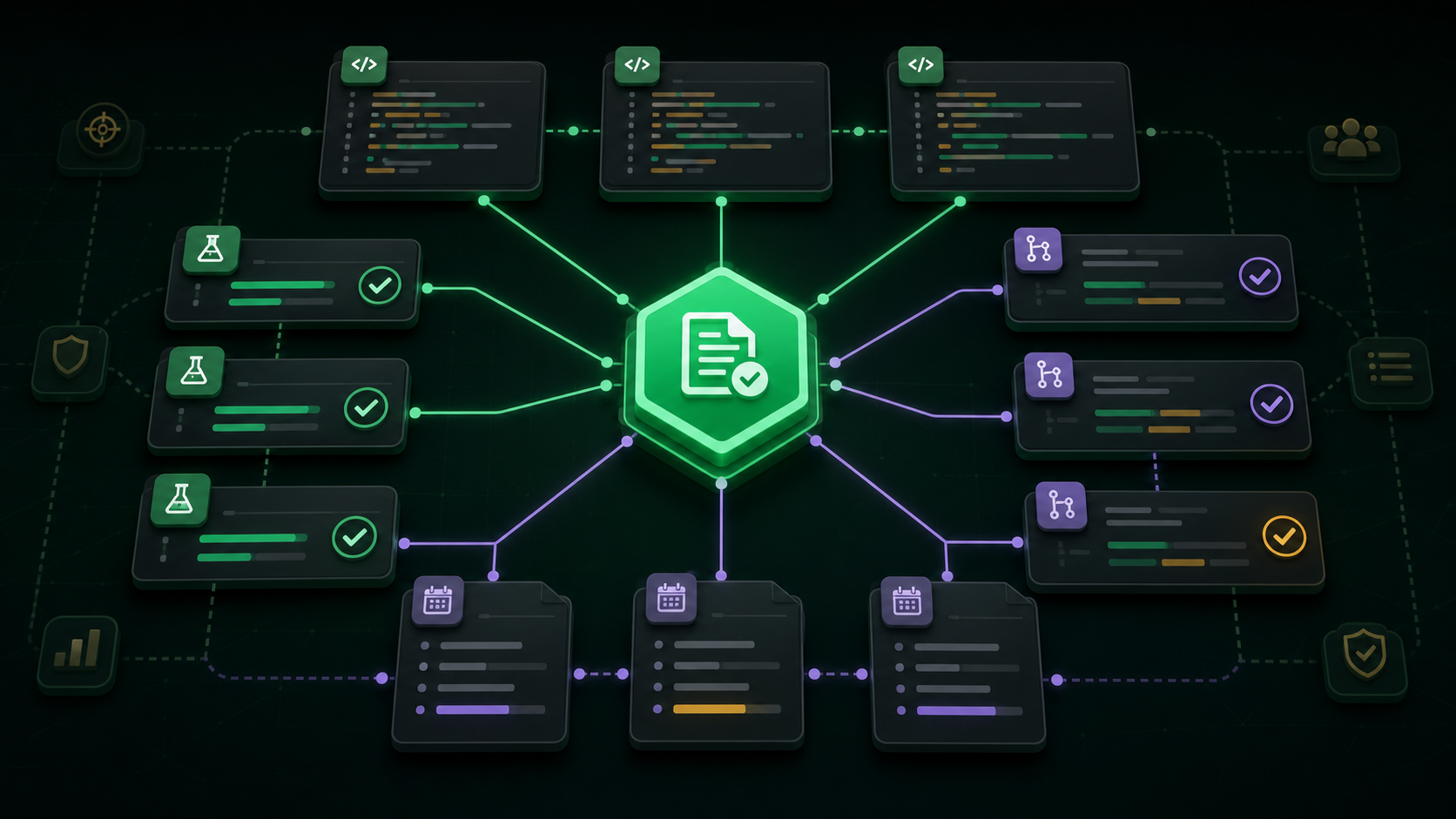
Every spec section gets a unique ID — [AUTH-LOGIN], [AUTH-TOKEN-VERIFY].
Code references the spec it implements. Tests reference the spec they verify.
PRs list the spec IDs they address. Full bidirectional traceability across the entire portfolio.
AUTH-LOGIN User Authentication → code/auth.ts implements → tests/auth.spec.ts verifies → PR #42 delivers ✓ Full traceability — clean▋