From spectator to
engineering director.
Five steps. Running continuously across every project simultaneously. Here's exactly how Agent PMO breaks the serialisation trap.
Two components. One system.
Agent PMO has two parts that work together: a real-time PMO Dashboard that tells you what's happening, and Repo Standards Enforcement that makes every project agent-ready.

Nimblesite can help your team run this workflow safely.
We assess your DevEx, standardise your repos, wire up CI and quality gates, and design AI agent workflows that keep humans in control.
The PMO loop in detail
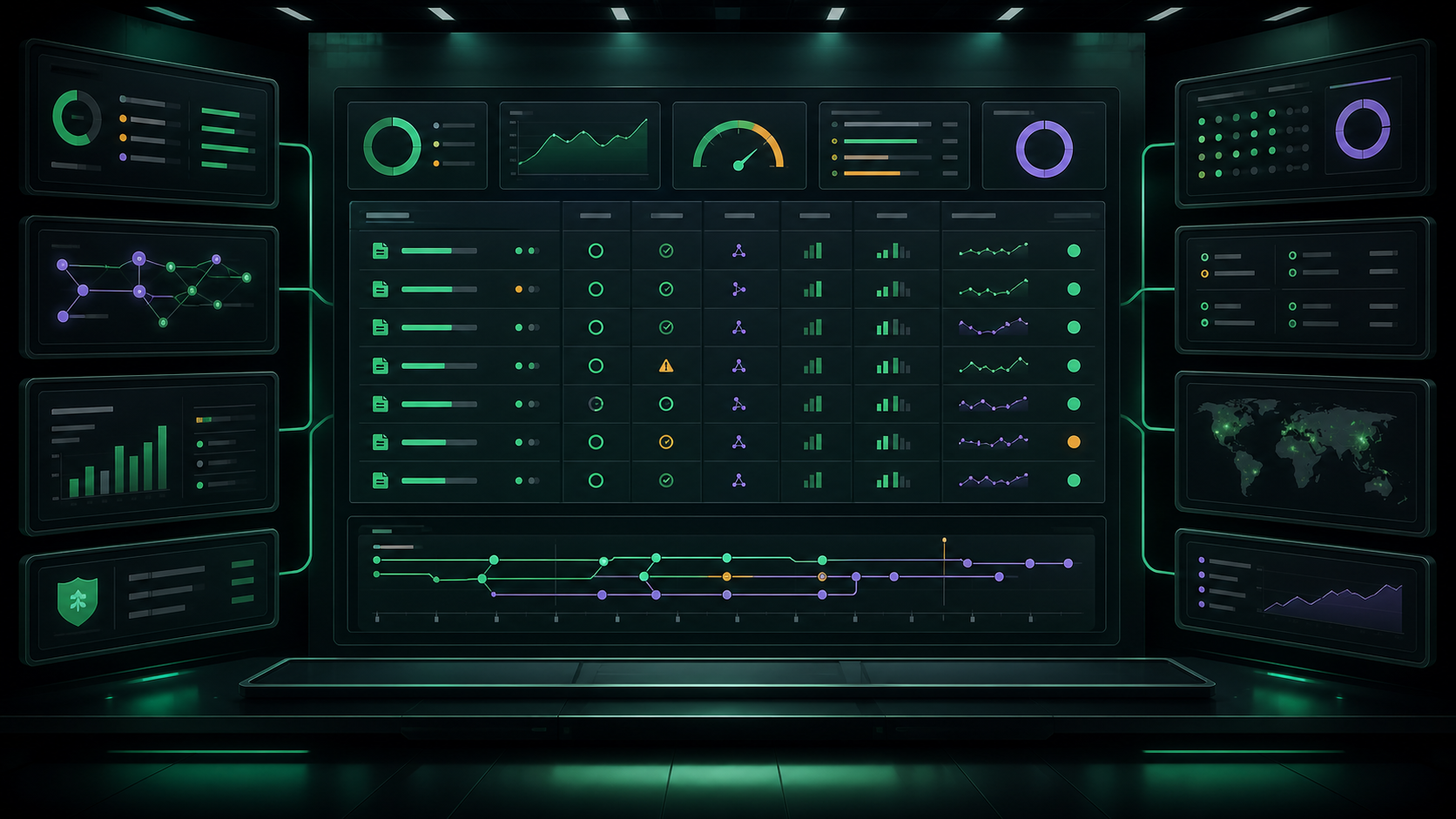
Dashboard scans all repos
The dashboard refreshes automatically every few minutes. It scans every git repo under your code directory and collects CI status, open PRs, uncommitted changes, push status, and latest releases — then generates a self-contained HTML report. No server needed.
$ dotnet fsi dashboard/repo-report.fsx
✓ Scanning ~/Documents/Code/ ...
  Found 24 repositories
✓ Fetching PR status for 24 repos ...
✓ Fetching CI status for 24 repos ...
✓ Report written → dashboard/repo-report.html
  Generated in 8.3s
You review the dashboard and prioritize
Open repo-report.html in a browser. The dashboard tells you — at a glance — exactly which projects
need attention. No context-switching into each repo to investigate. That's minimal cognitive load.
You're not managing tasks. You're allocating agent capacity. Where's the most value? Which CI failure is blocking a PR? Which project has no activity and needs a nudge?
Dispatch agents into standardised repos
Because every repo uses the same structure — same Makefile targets, same CI pipeline, same lint and format commands — an agent dropped into any project already knows how to run, test, and ship. No setup. No hand-holding.
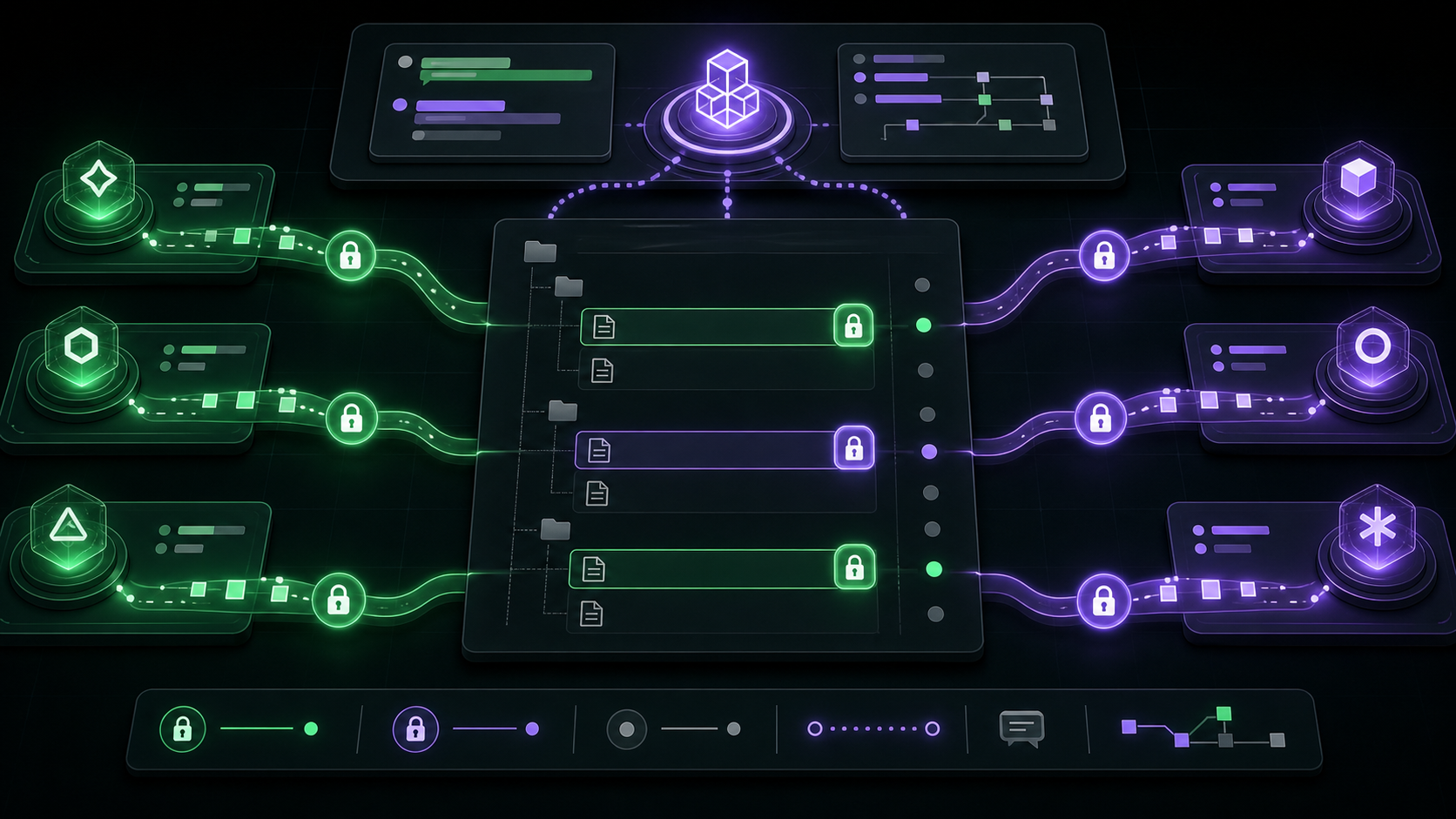
For monorepos or multi-service codebases, multiple agents work the same repo simultaneously in one working tree — no git worktrees (they're banned; agents corrupt them). Too Many Cooks coordinates them with advisory file locks: an agent claims a file before editing it, and everyone else sees the claim instantly.
# Agent A claims a file before editing
[TMC] agent-A locked: src/auth/login.ts

# Agent B picks a different file — same repo, same tree
[TMC] agent-B locked: src/api/routes.ts

# Both work in parallel — locks prevent collisions
✓ Parallel workstreams active
TMC coordinates the agents
Too Many Cooks (TMC) is the MCP server every agent in a workspace connects to. When multiple agents are active at once, TMC keeps them out of each other's way — they register, broadcast a plan, lock files before editing, message each other, and release locks when done. Every lock and message is pushed live, so no agent edits a file another already holds.
Review and ship
By the time code reaches you, it has passed every automated quality gate: lint, type check, format, unit tests, integration tests, coverage thresholds, and CI.
You're not the first line of defence — you're the final gate. Human review is for intent, architecture, and edge cases — not for checking whether the tests pass.